What Is a Numeric Business Card? intCount, Explained
Short answer: A numeric business card is a single memorable number that stores all your business contact info — name, description, phone, website, and every social link — in one place. Instead of a paper card or a QR code, you share one number. Anyone can look it up and reach you instantly. intCount invented the format, a standard card is free, and a premium Lock Card version keeps it AES-256 encrypted for people who need privacy.
This post walks through the entire product with real screenshots — every step of creating a card, and every step of locking one.
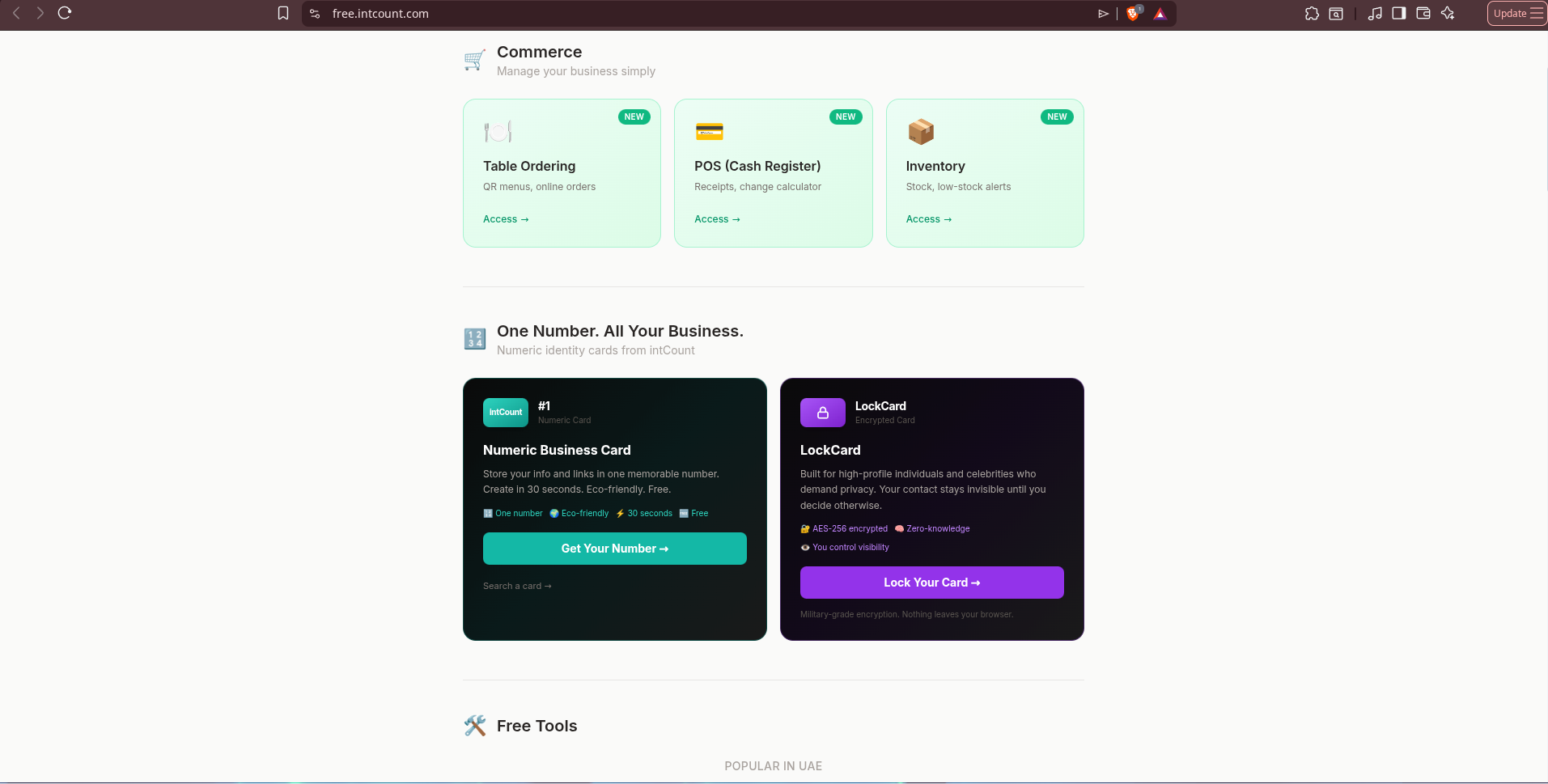
Why "One Number" Beats a Business Card
Paper cards get thrown away. QR codes fail to scan. Link-in-bio pages need constant maintenance and still bury your contact details three taps deep.
A numeric business card fixes the core problem: your business is scattered across a website, an Instagram, a WhatsApp, a Google listing, a LinkedIn — and every new contact means re-explaining where to find you.
intCount collapses all of it into one number:
- Memorable — a number is easier to say out loud than a URL
- Eco-friendly — nothing printed, nothing to reprint when details change
- Always current — update once, everyone who looks you up sees the new info
- Free — the standard card costs nothing
- No app required — it opens in any browser
How an intCount Card Works
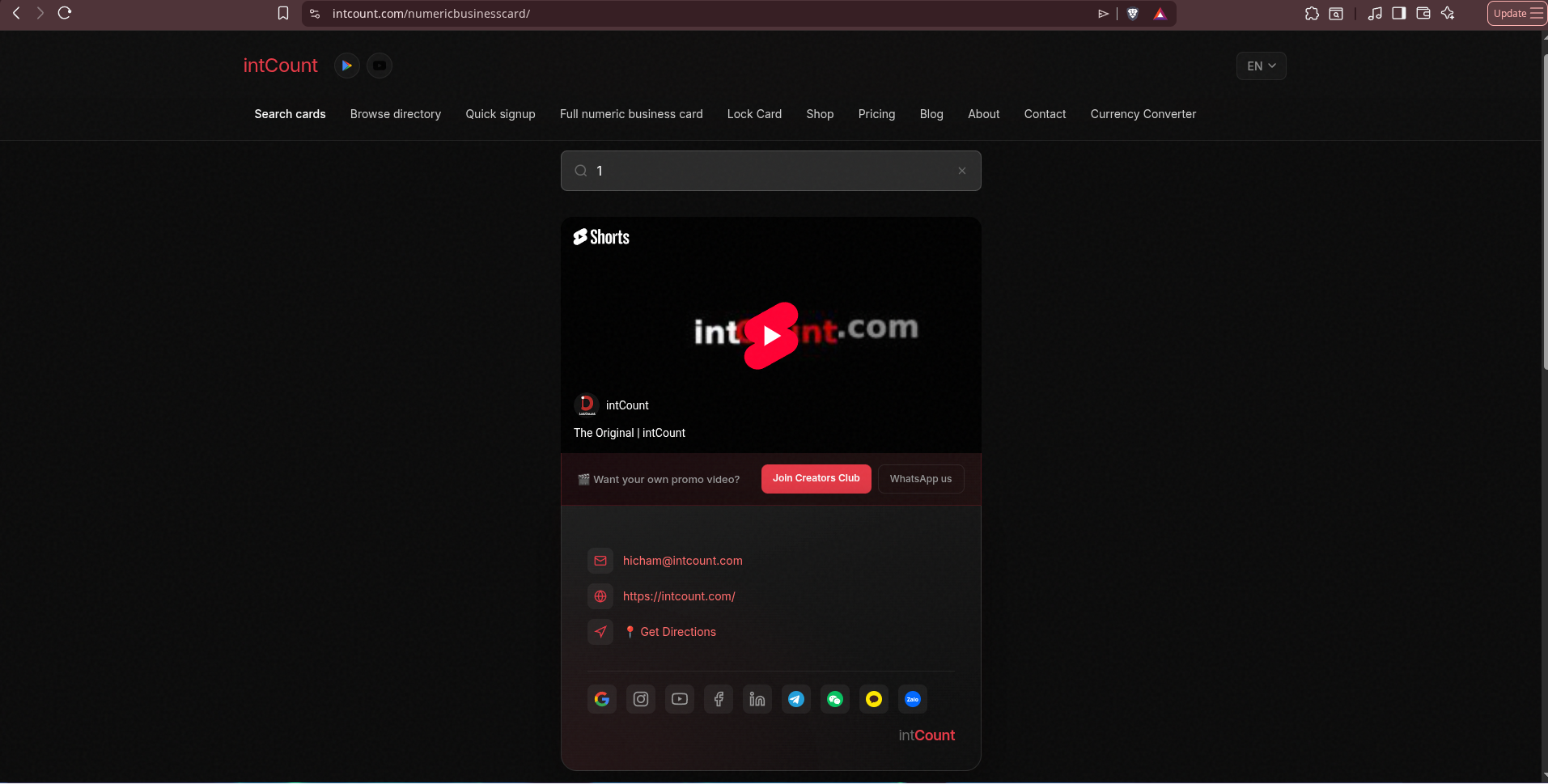
Every card has two layers. The search preview — what shows when someone looks you up: your name, a business description, a category tag. Tap it, the card flips. The full contact layer — email, website, directions, and a row of every channel you use: Google, Instagram, TikTok, YouTube, Facebook, LinkedIn, Telegram, WeChat, KakaoTalk, and Zalo.
People find your card by searching your number, business name, phone, or email at intcount.com/numericbusinesscard — whatever they happen to remember.
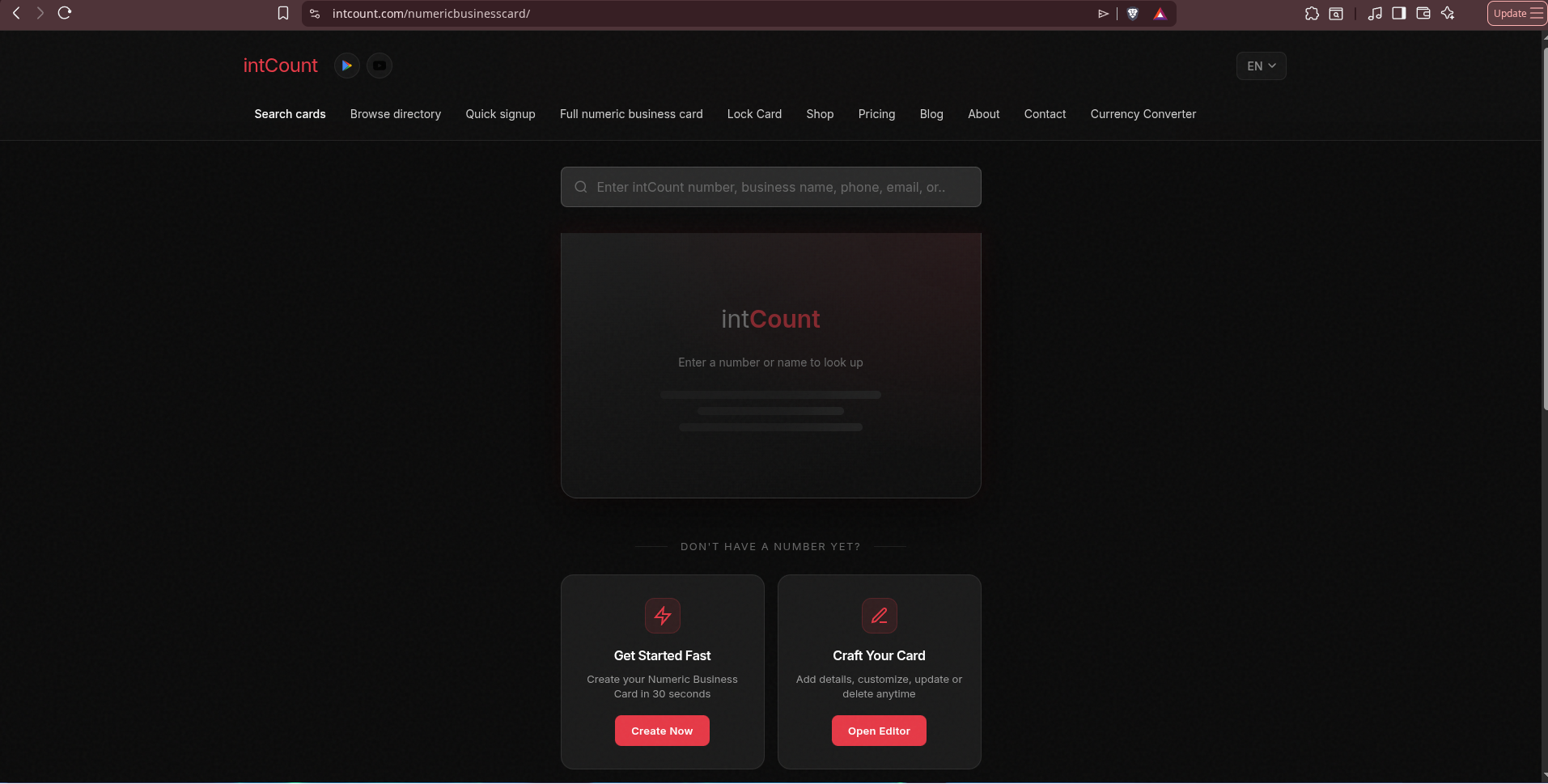
Live Example: Card #1
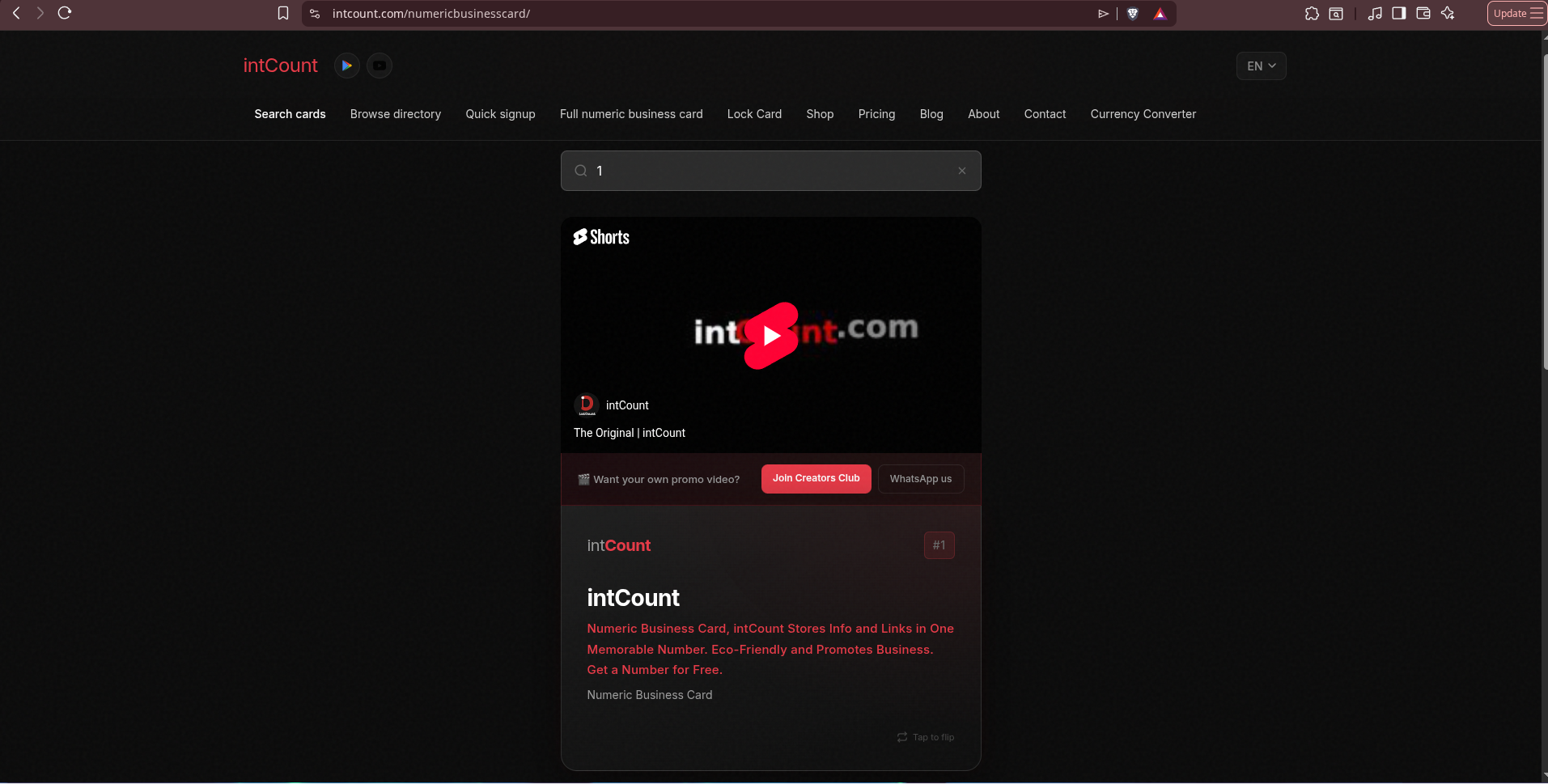
intCount uses its own product. Card #1 is intCount's own numeric business card. Search "1" and you'll see the front of the flip card — the business name, a short description, a category tag, and the promo video.
Tap the card, it flips. The back shows every way to reach the business — email, website, directions, and a row of social icons for Google, Instagram, YouTube, Facebook, LinkedIn, Telegram, WeChat, KakaoTalk, and Zalo.
One card. Every way to reach the business. No app to install, no link tree to maintain.
How to Create a Numeric Business Card (Full Walkthrough)
Creating a card takes about 30 seconds. intCount uses AI — you paste a plain description of your business, and it structures the fields for you.
Below is the full flow using a real dummy business: Maison Élara, a fictional luxury fashion boutique in Singapore, which we'll then lock in the second part of this post.
Step 1 — Go to Quick Signup
Head to intcount.com/signup. You'll be asked for your email first — no password, ever. intCount uses a passwordless 6-digit code flow, the same as banks and Google.
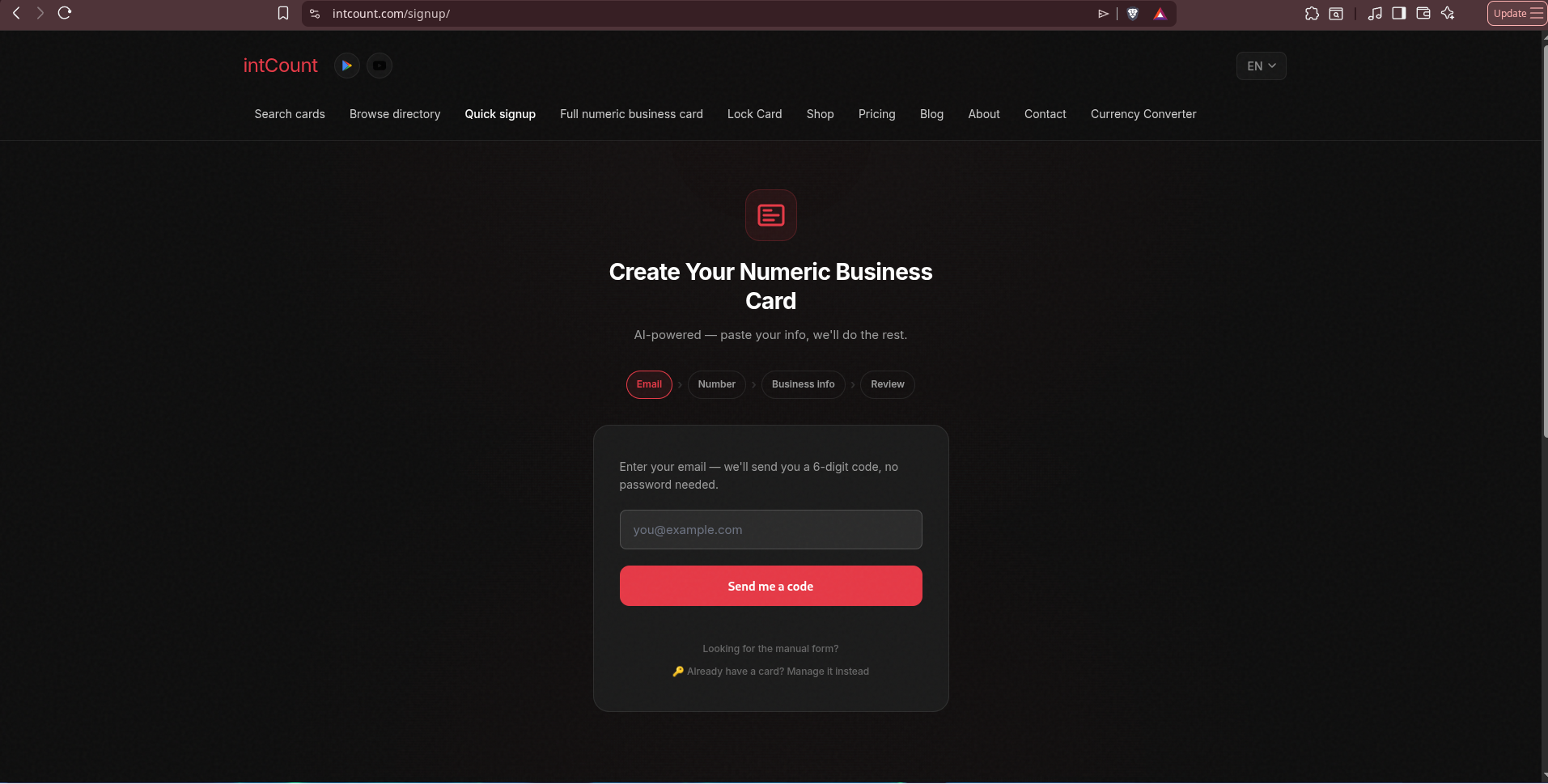
Type your email and click Send me a code.
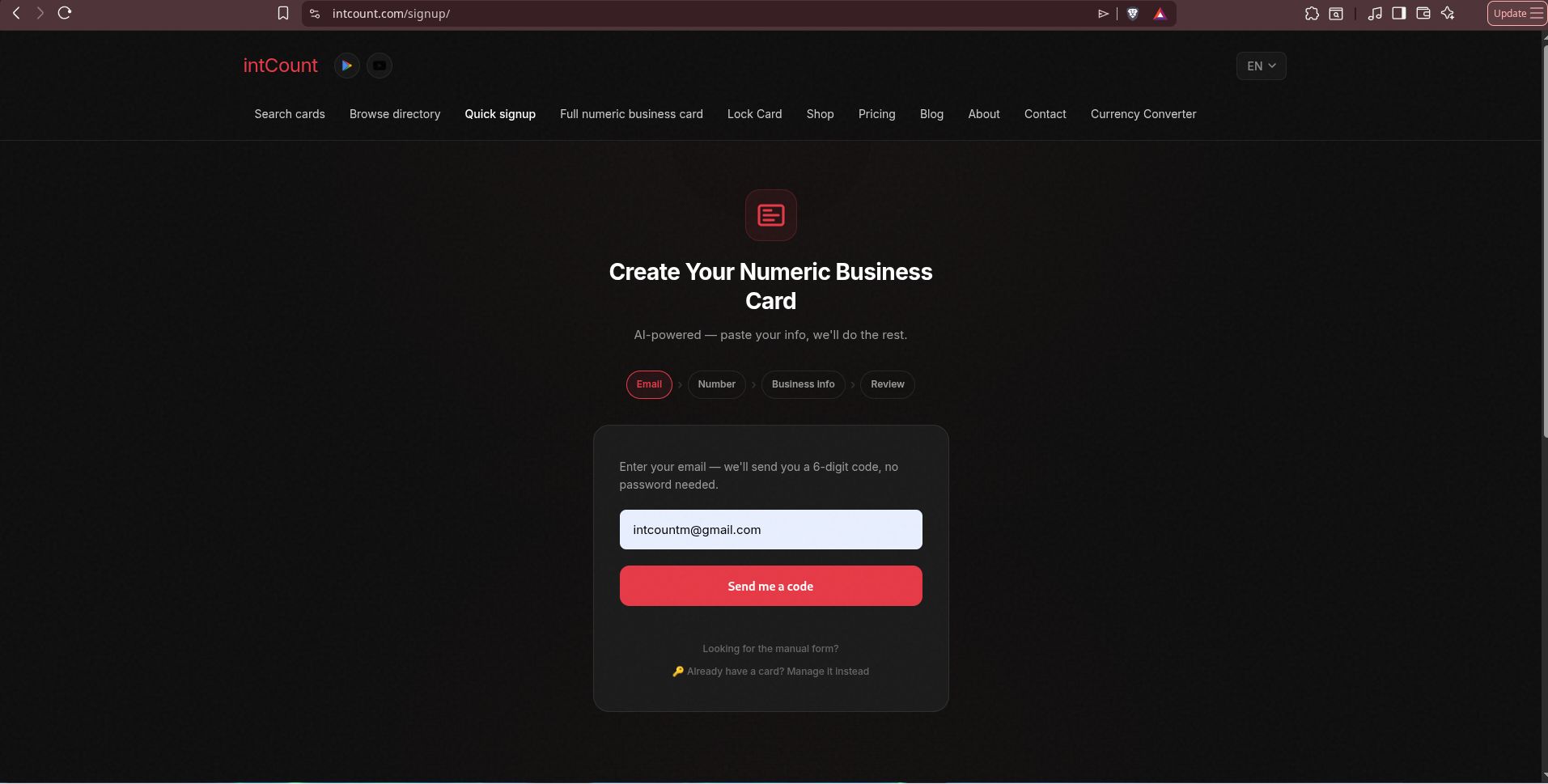
Step 2 — Enter the 6-Digit Code
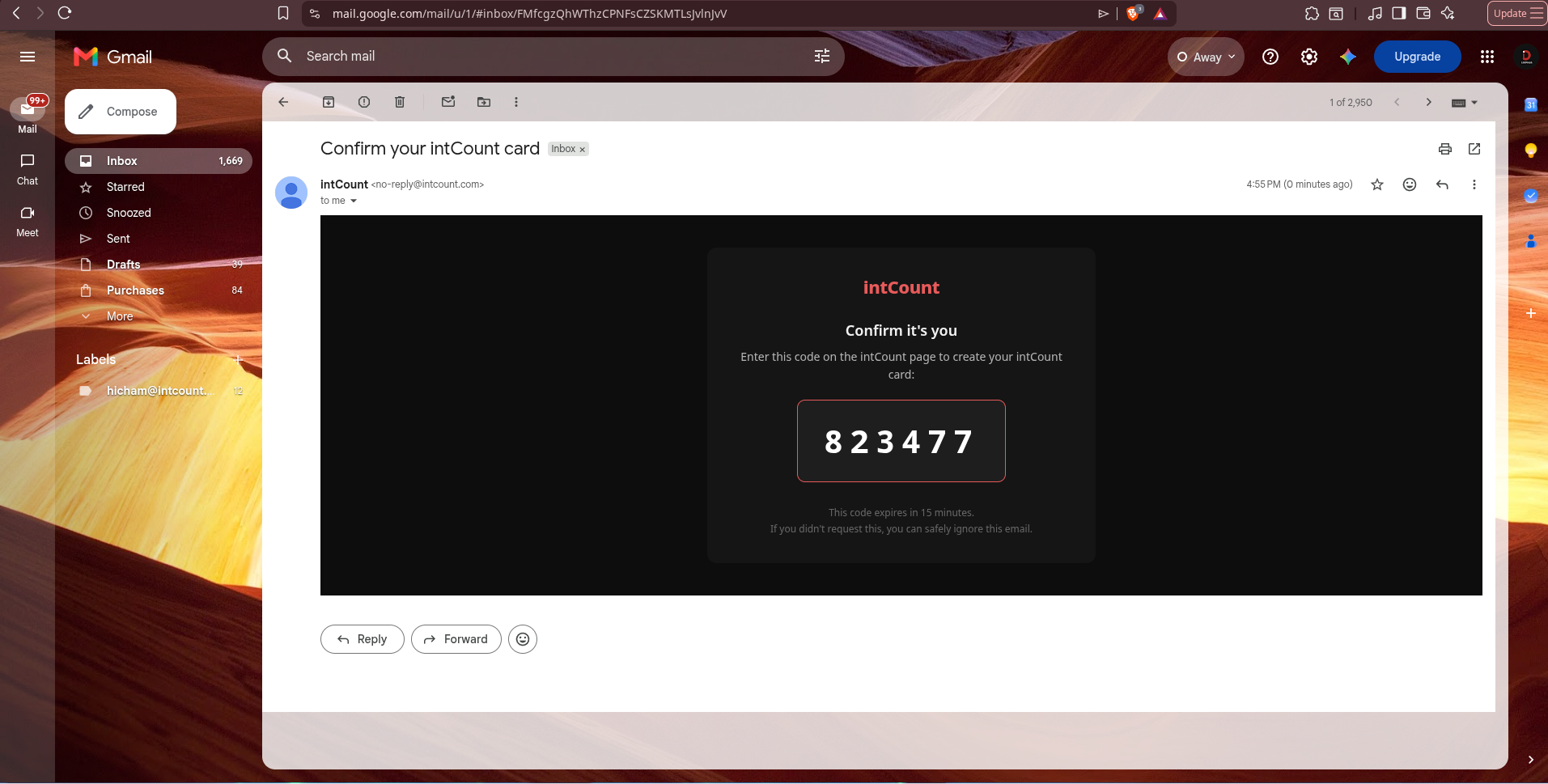
intCount emails you a 6-digit code that expires in 15 minutes. Enter it — no clicking suspicious links.
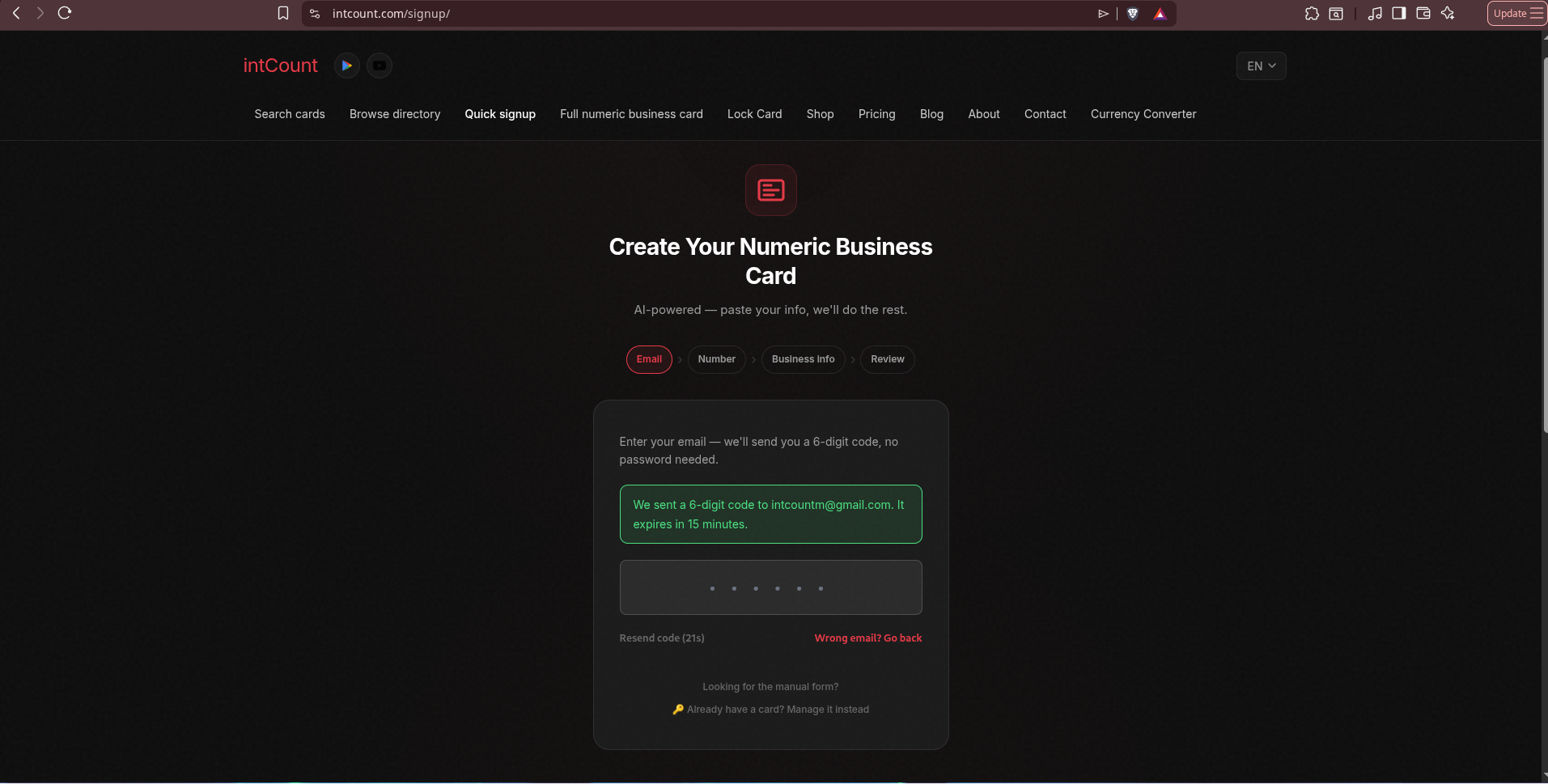
Here's what the email looks like on the receiving end — clean, branded, just a code:
Step 3 — Pick Your Number
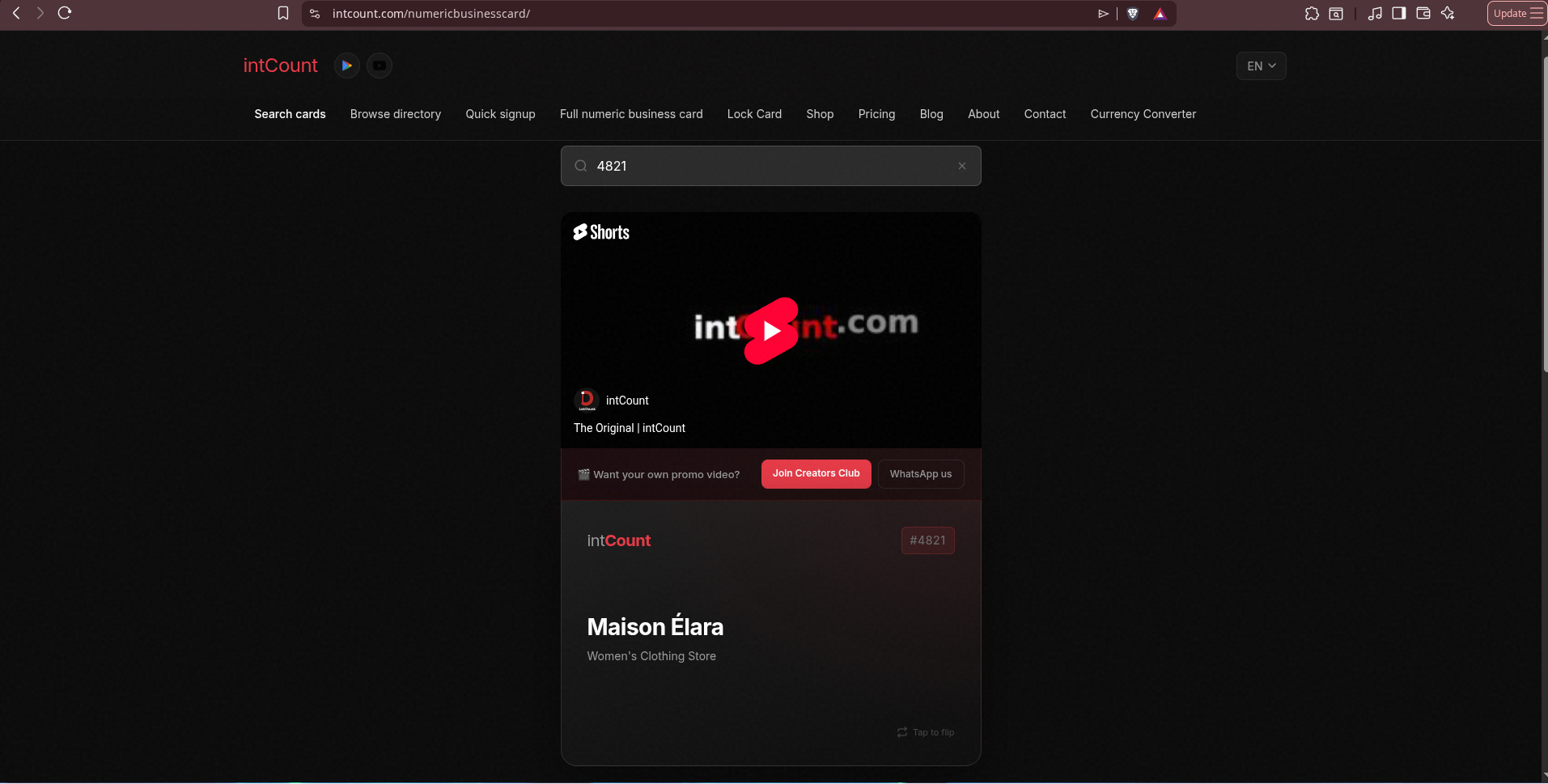
Every intCount card has a unique number. You can either grab any available one, or choose a specific number — a memorable one, a lucky number, a business anniversary date, whatever you want. For this walkthrough we chose #4821, and intCount confirmed it was available.
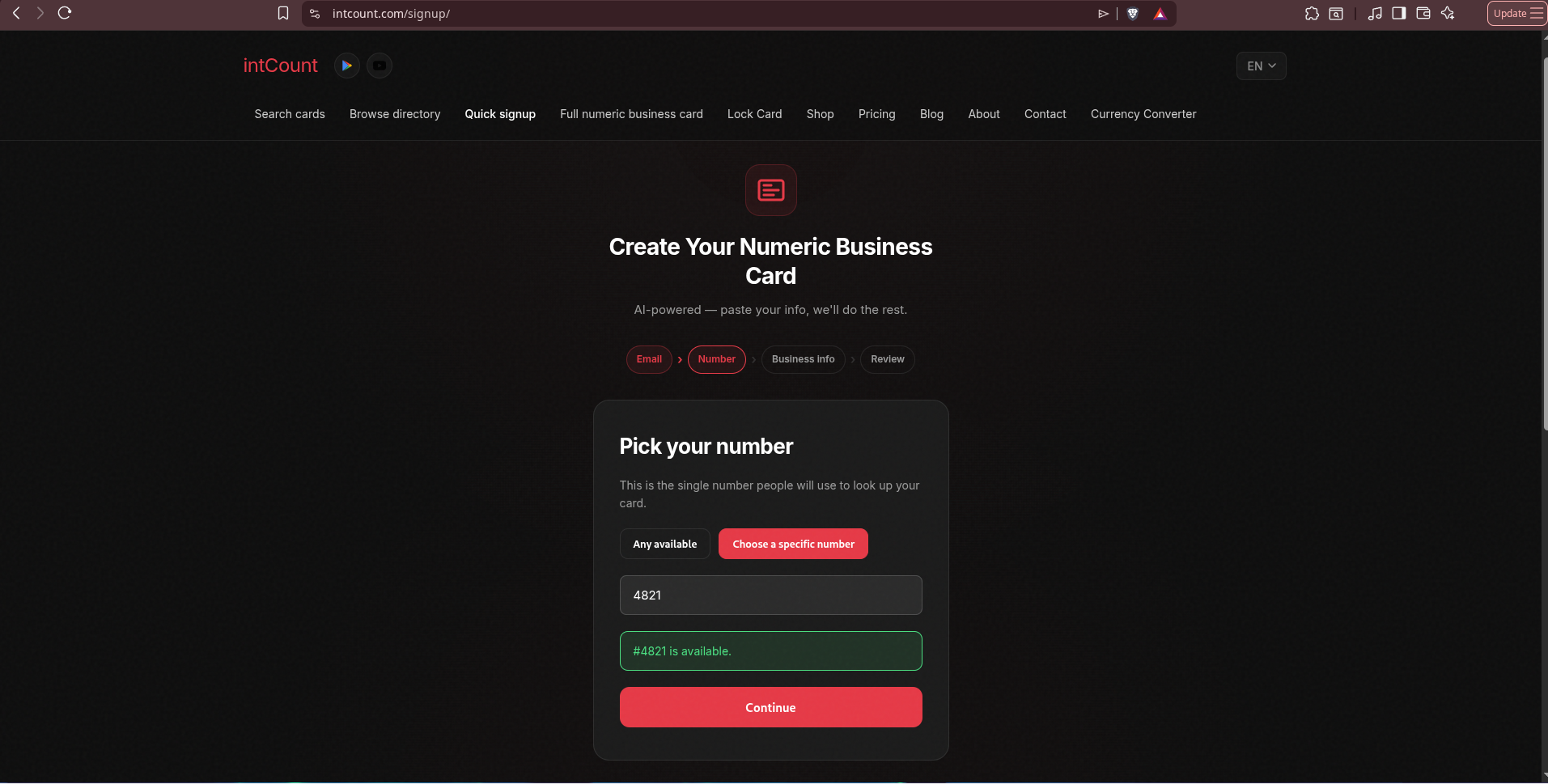
Step 4 — Tell the AI About Your Business
This is the moment that saves you from filling a long form. You get one textarea. You paste anything — an old business card, a website bio, a LinkedIn About section, or a plain description — and intCount's AI parses it into the correct structured fields.
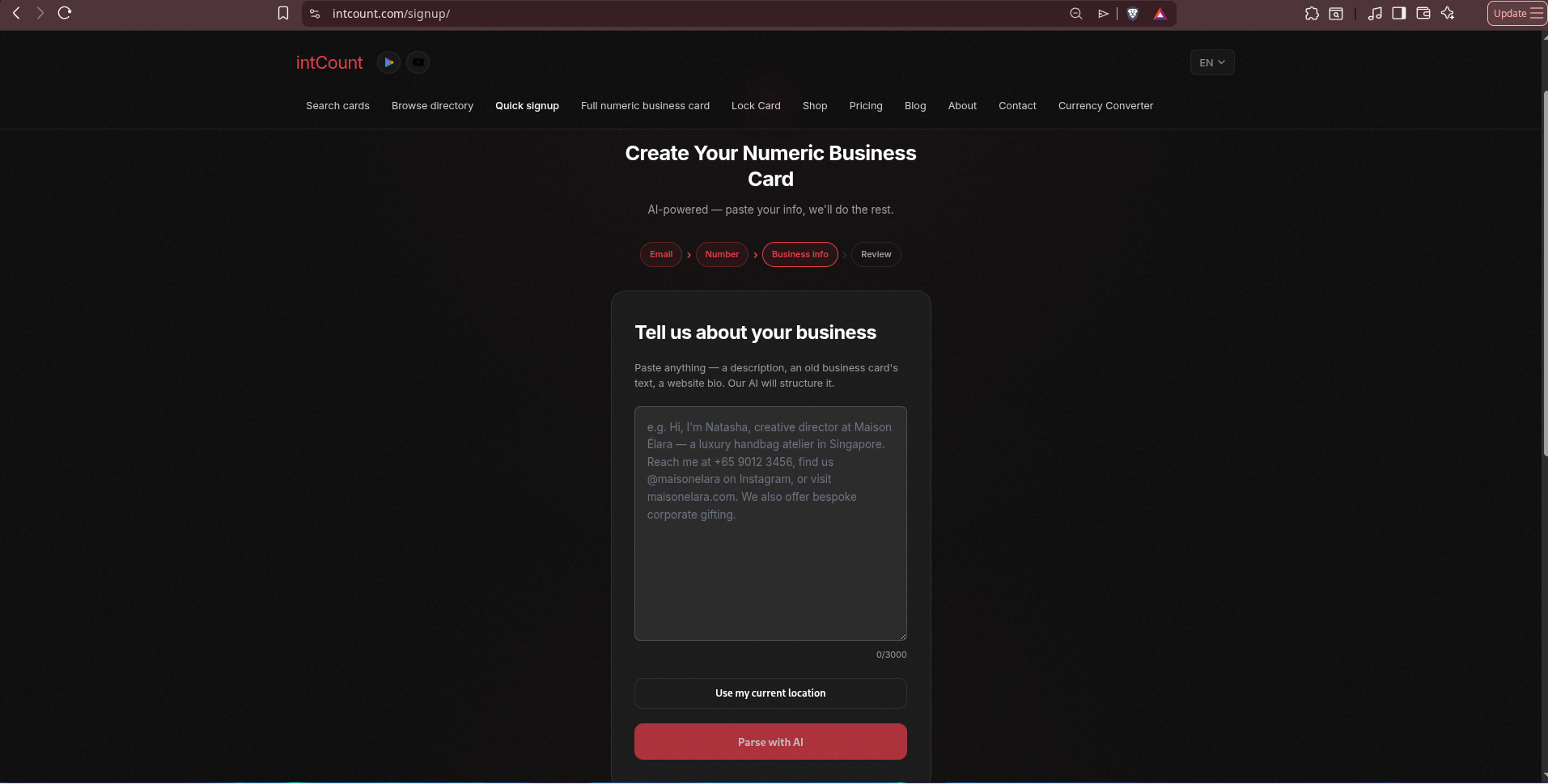
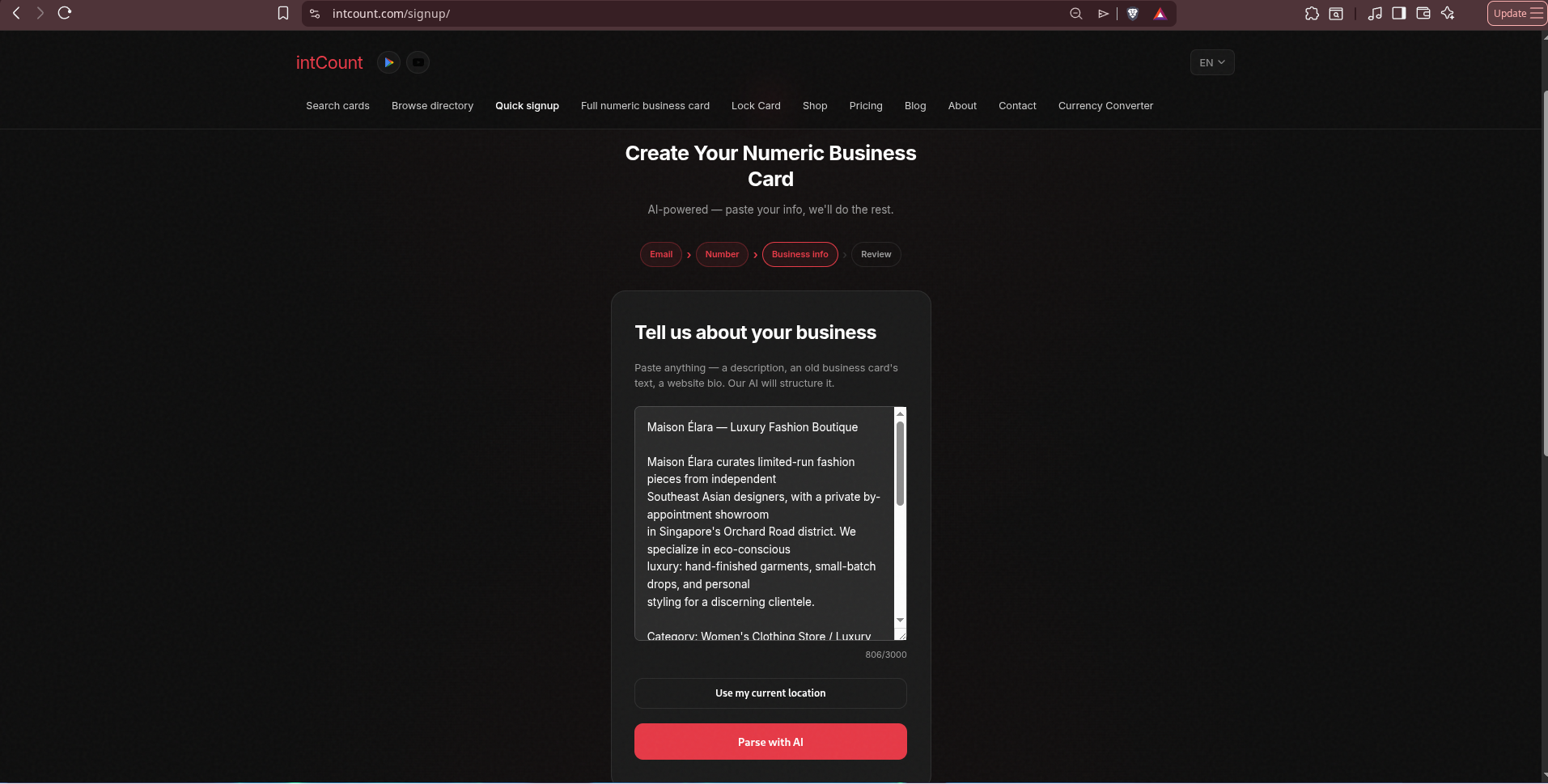
Here's a ready-to-use example you can copy and paste — the fictional Maison Élara business we're using for this walkthrough:
Maison Élara — Luxury Fashion Boutique

Maison Élara curates limited-run fashion pieces from independent
Southeast Asian designers, with a private by-appointment showroom
in Singapore's Orchard Road district. We specialize in eco-conscious
luxury: hand-finished garments, small-batch drops, and personal
styling for a discerning clientele.

Category: Women's Clothing Store / Luxury Fashion
City: Singapore
Country: Singapore

Contact:
Phone / WhatsApp: +65 8123 4567
Website: https://maison-elara.example.com
Email: [email protected]
Instagram: https://instagram.com/maison.elara
TikTok: https://tiktok.com/@maison.elara
Facebook: https://facebook.com/maisonelara
YouTube: https://youtube.com/@maisonelara
Telegram: https://t.me/maisonelara
LinkedIn: https://linkedin.com/company/maison-elara
Paste it, click Parse with AI.
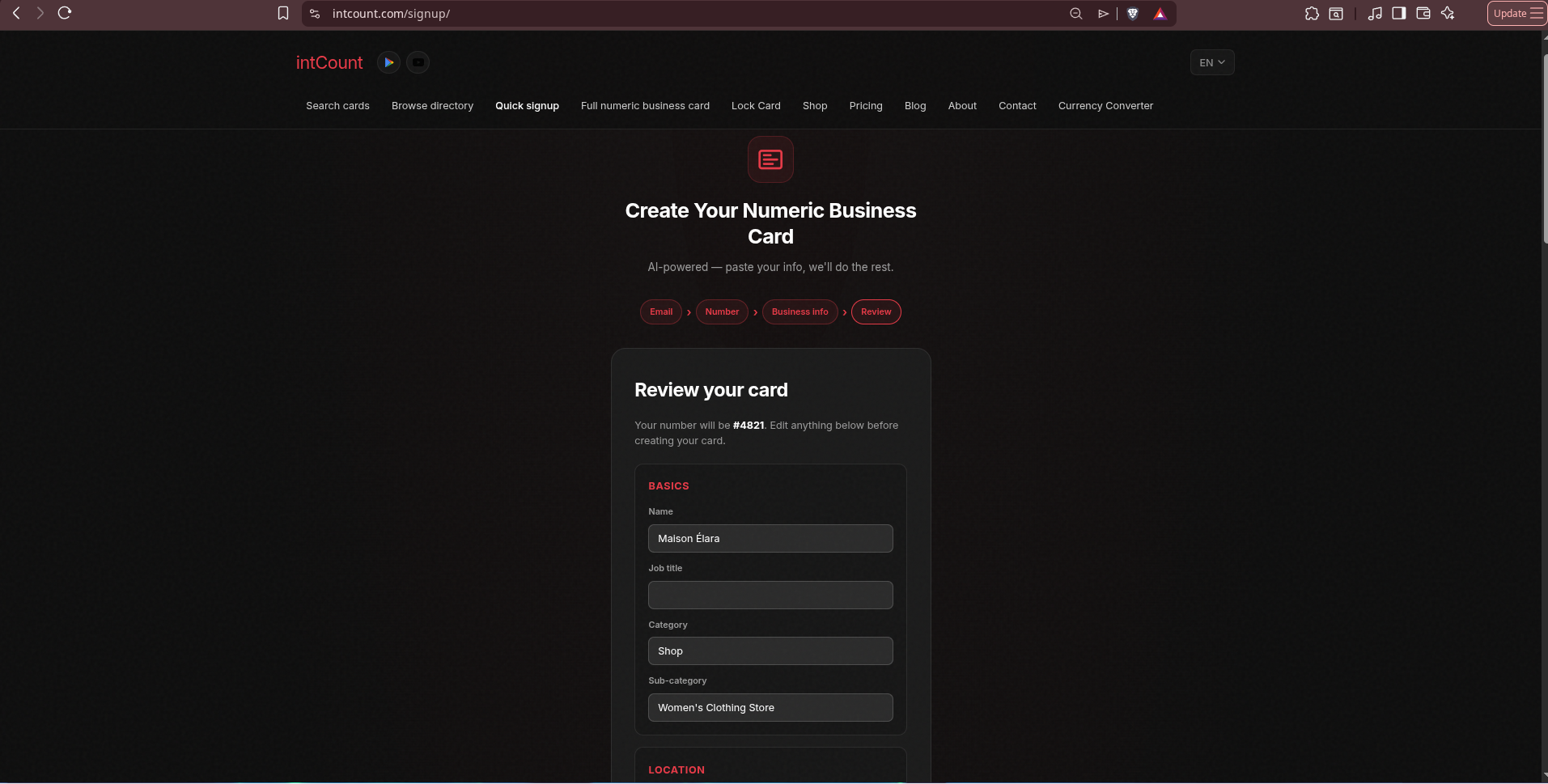
Step 5 — Review the AI-Parsed Card
The AI turns that paragraph into a structured card and shows you a review screen. Every field is editable — you can fix anything before creating the card.
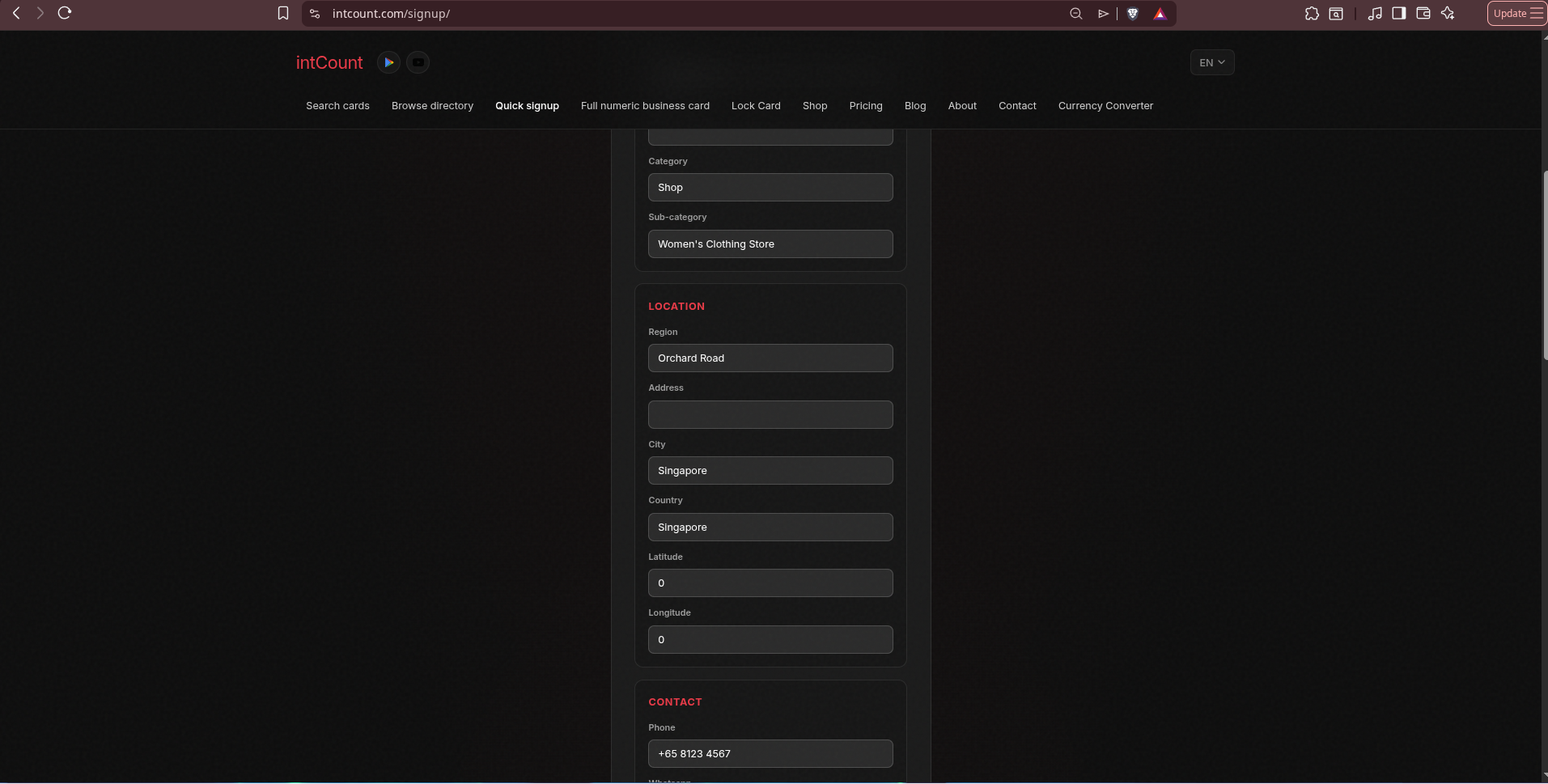
Basics — the AI correctly pulled the name, mapped the business to the Shop → Women's Clothing Store category:
Location & Contact — Region: Orchard Road, City: Singapore, Country: Singapore, Phone: +65 8123 4567 — all extracted from the paragraph:
Social links & Website — Facebook, YouTube, LinkedIn handles pulled from the URLs, website preserved:
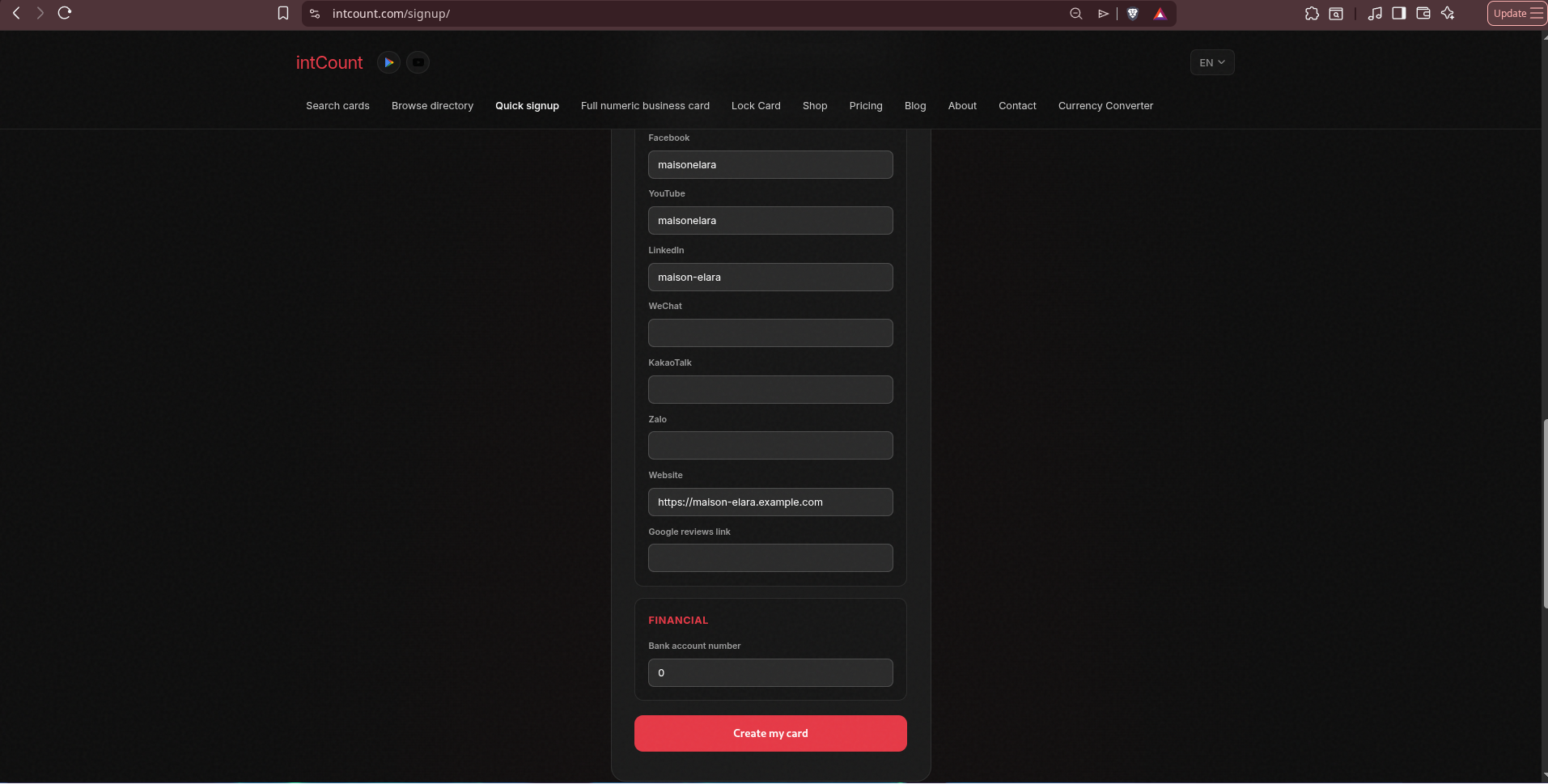
Click Create my card.
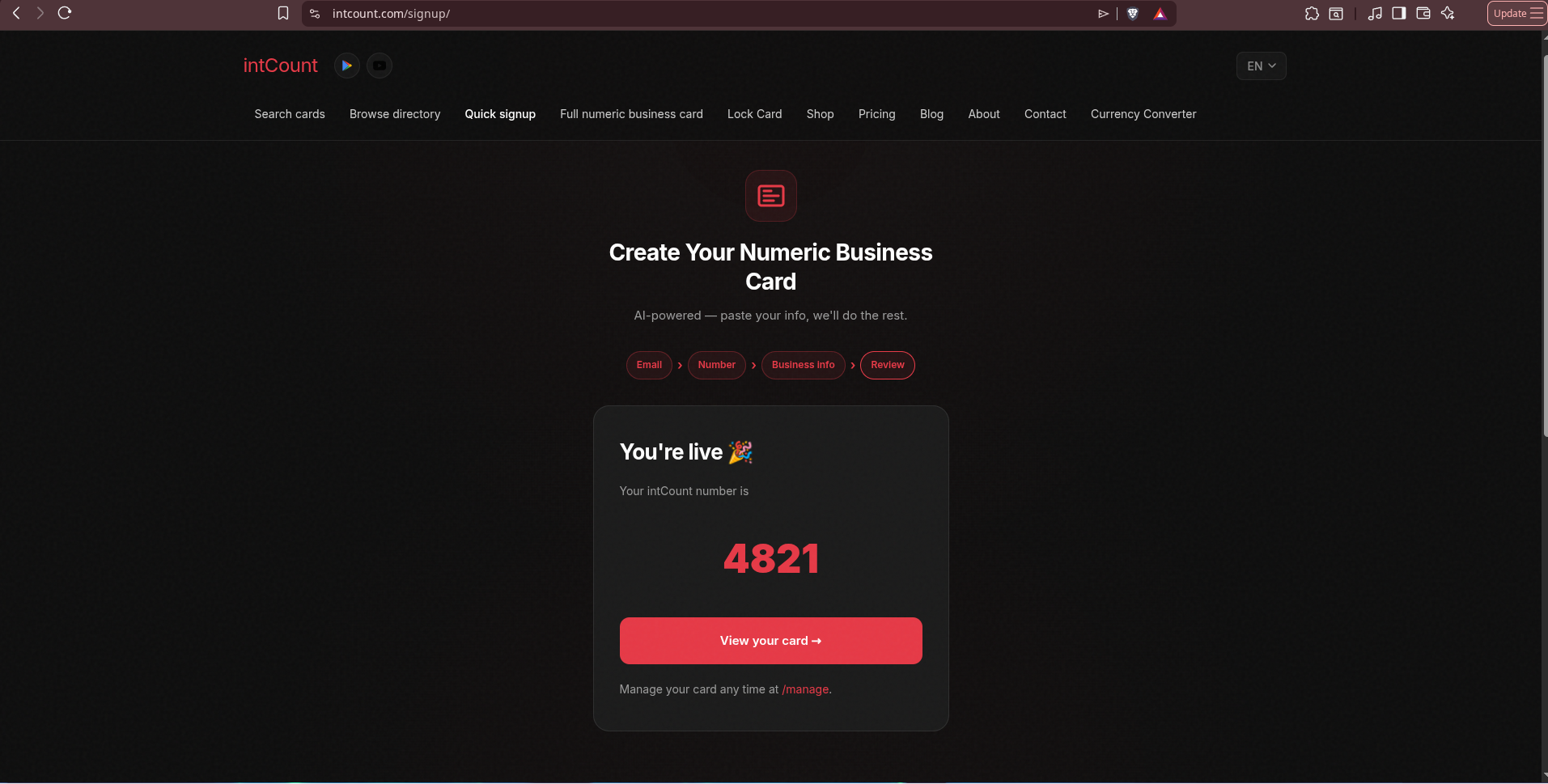
Step 6 — You're Live
Done. Maison Élara now owns #4821.
Anyone who searches "Maison Élara" or 4821 now pulls up the card. The front shows the name and category:
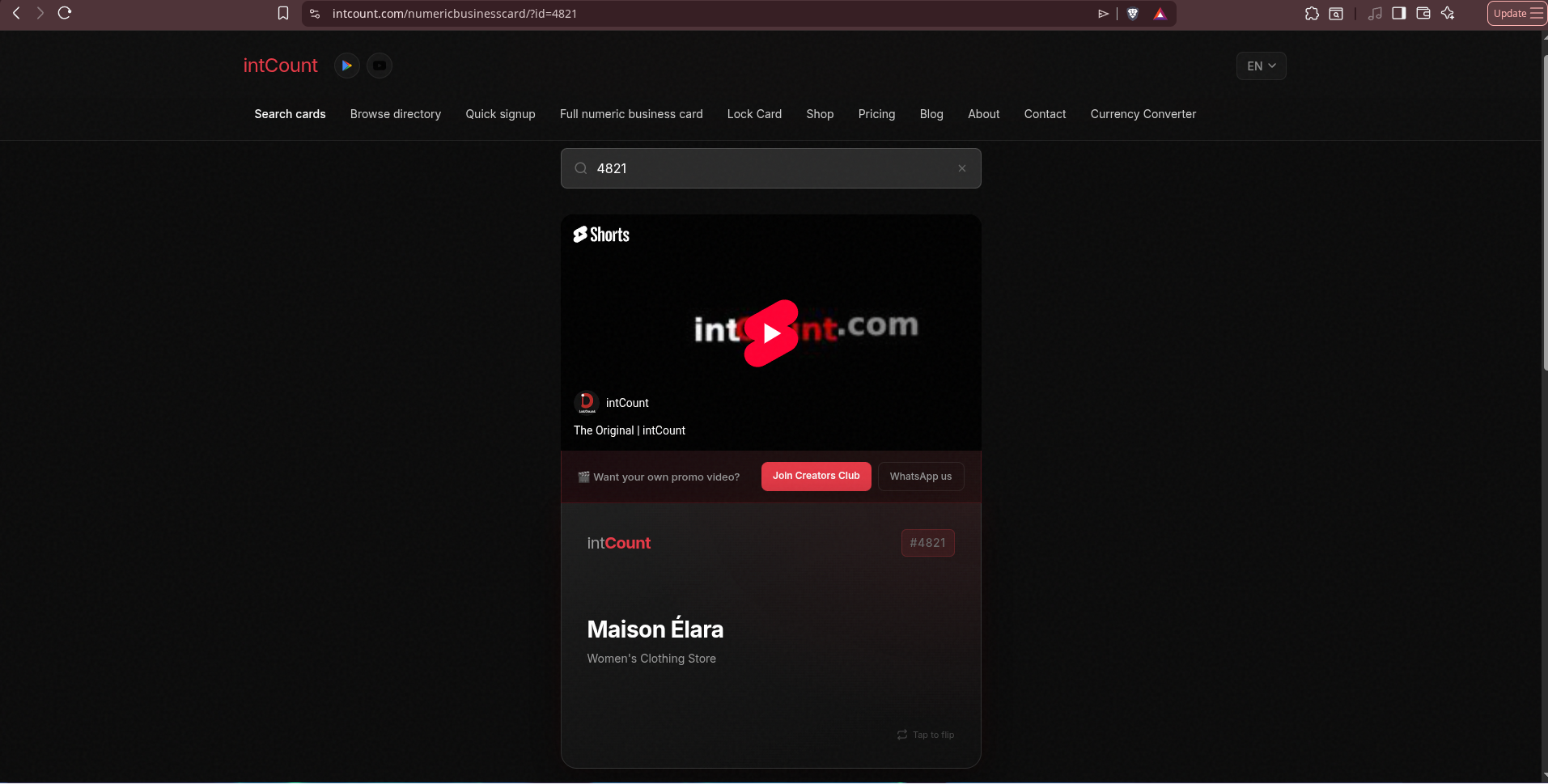
Tap to flip — all the contact channels are there, ready to tap through:
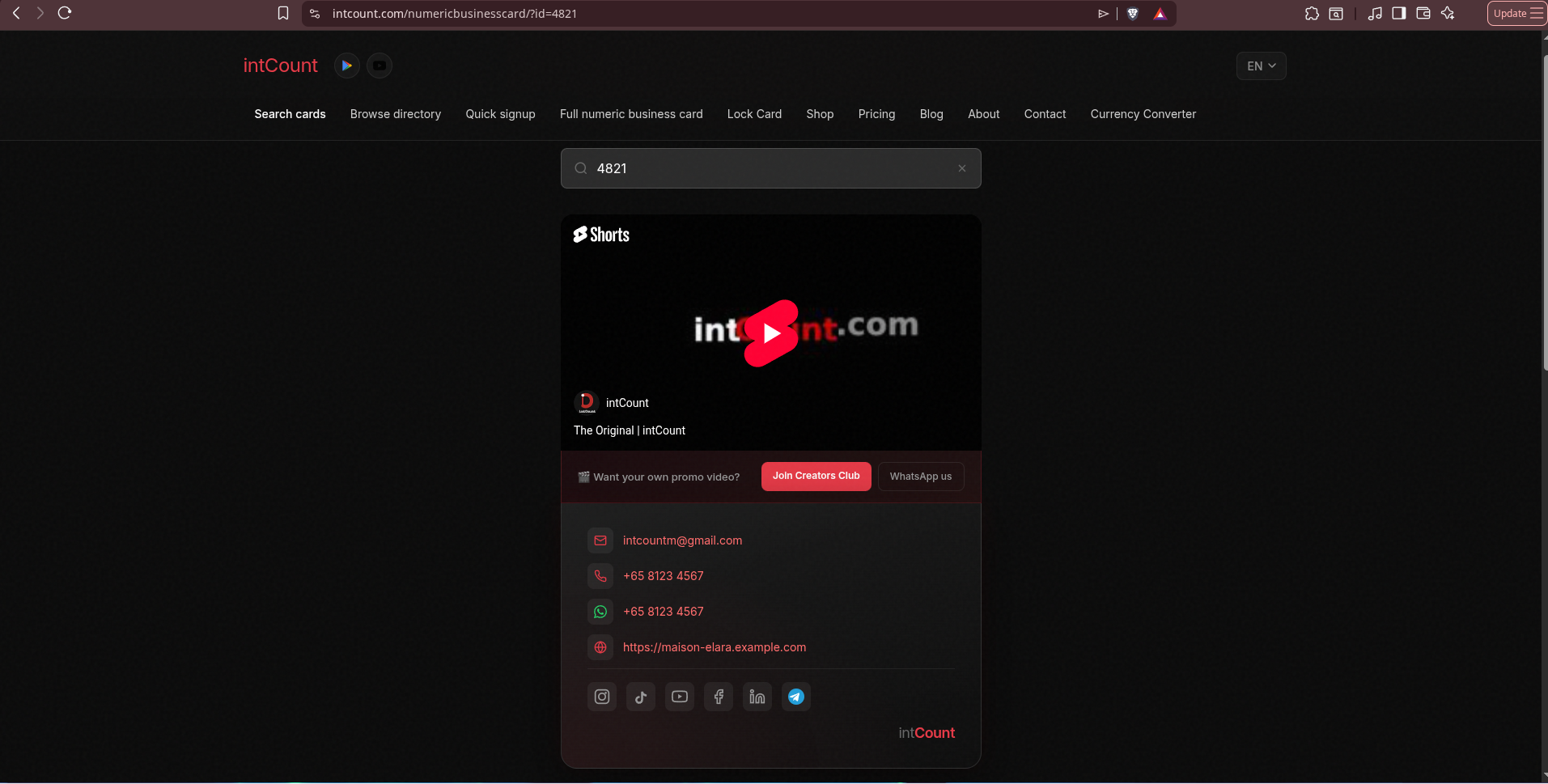
From "I don't have a card" to "here's my number, look me up" — under a minute.
Lock Card: When You Don't Want to Be Found by Default
A standard card is public by design — that's the point, people should find you. But some people need the opposite.
Lock Card is intCount's encrypted card for high-profile individuals, celebrities, executives, or anyone who wants a numeric identity without their contact details exposed to every cold search.
The guarantees are strong — and stated plainly by intCount:
- AES-256 encryption — military-grade
- Encryption happens 100% in your browser — nothing sensitive is sent to intCount's servers
- You'll receive an unlock code — this is the ONLY way to view your card
- intCount doesn't store logs, keys, or any trace of your data
- Even intCount admins cannot see or recover your information
- If you lose the unlock code, your data is PERMANENTLY GONE
That last point is the trade-off for real zero-knowledge encryption — there is no "reset" button, because there is no way for intCount to reset something it never saw.
Walkthrough: Locking the Maison Élara Card
Let's lock #4821 to see the full flow.
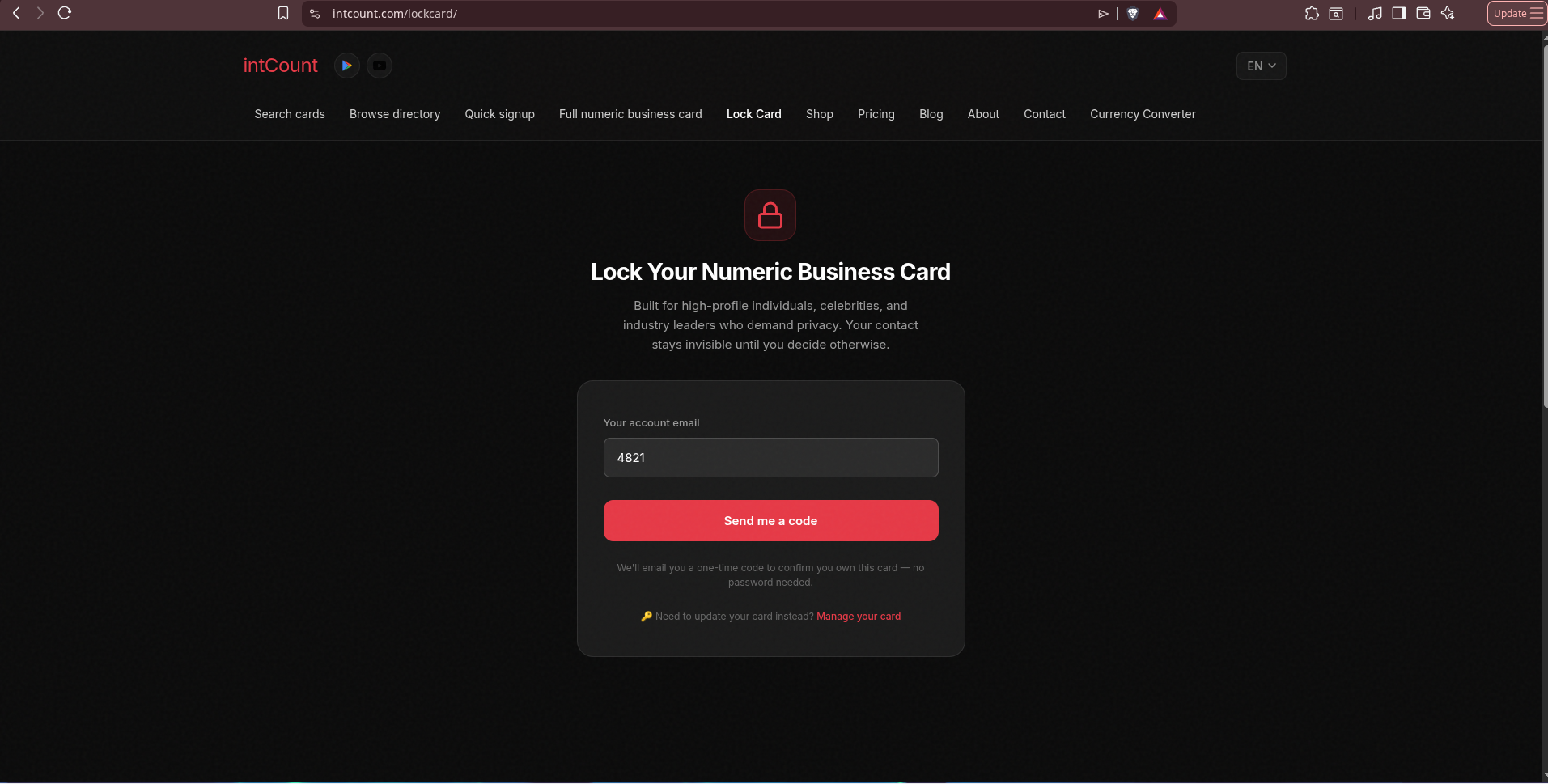
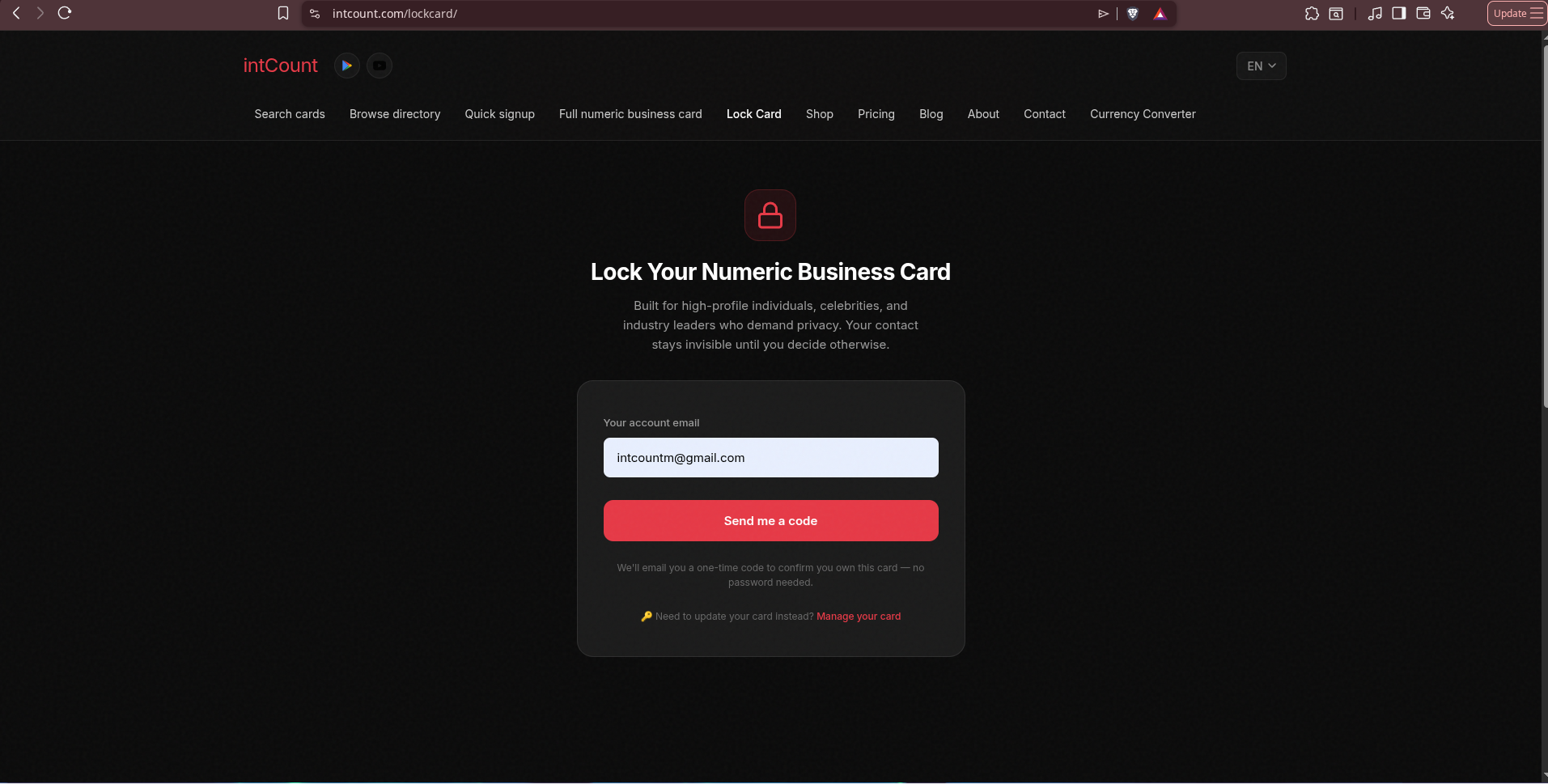
Step 1 — Open Lock Card
Head to intcount.com/lockcard. Enter the email tied to your card.
Step 2 — Verify With a Code
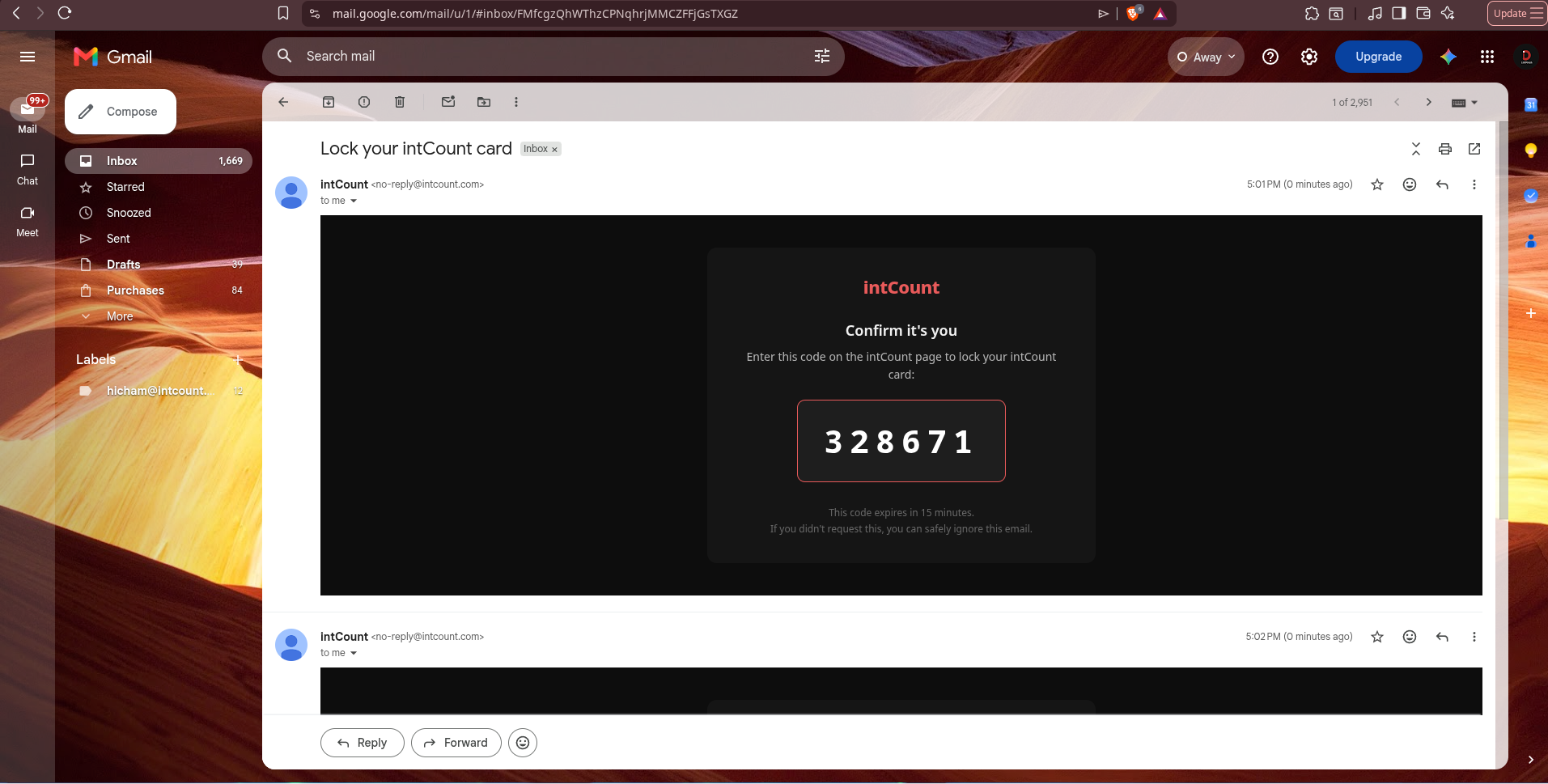
Same passwordless flow — intCount emails a 6-digit code to prove you own the card.
Step 3 — Read the Warnings, Then Lock
Before your card gets locked, intCount shows you exactly what's about to happen — and warns you clearly that lost unlock codes cannot be recovered.
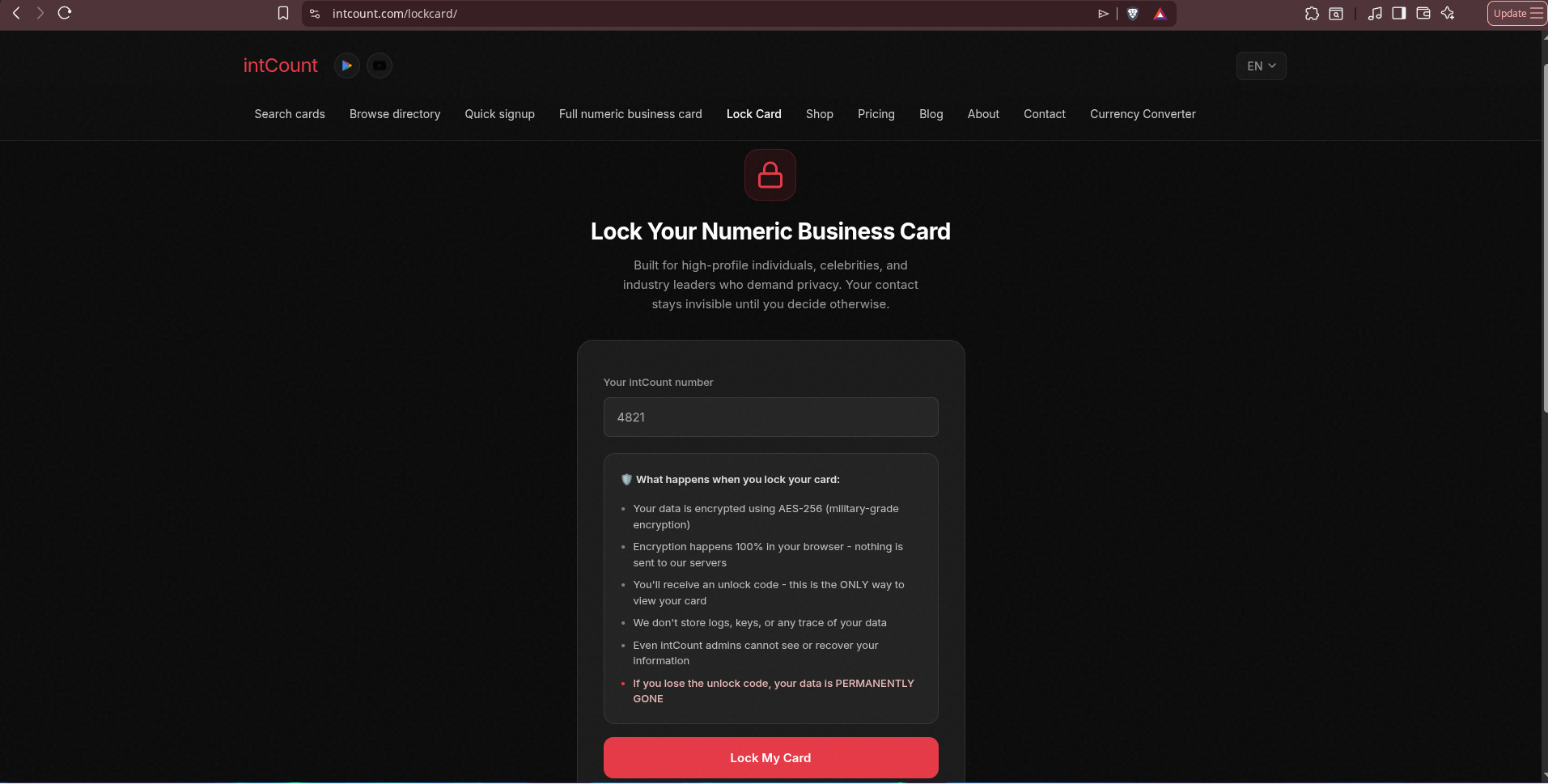
Click Lock My Card.
Step 4 — Save Your Unlock Code
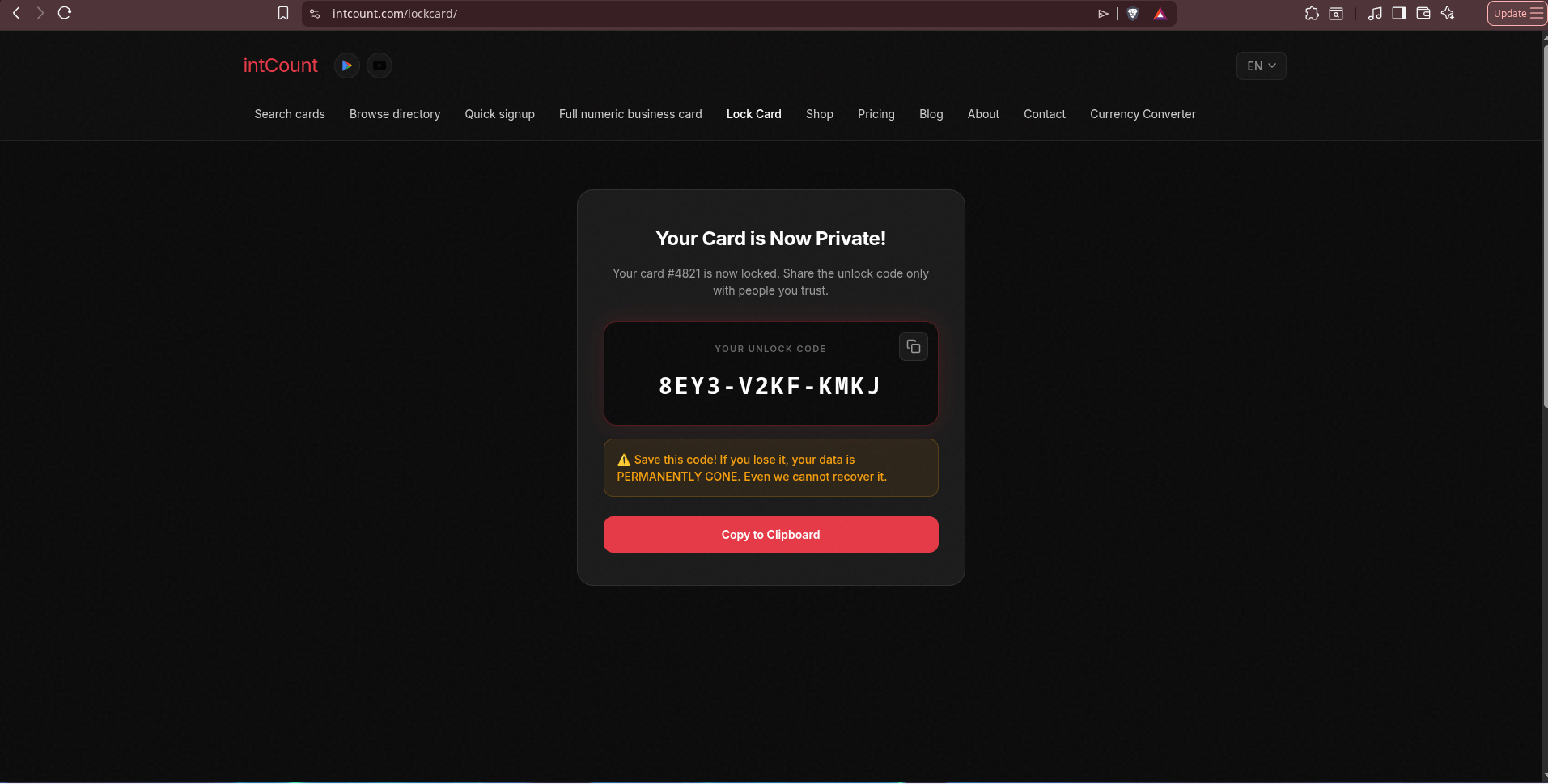
Lock Card generates a one-time unlock code — a format like 8EY3-V2KF-KMKJ. This is the ONLY key to your card. Save it. Print it. Store it in a password manager. Do not lose it.
Step 5 — What Everyone Else Sees Now
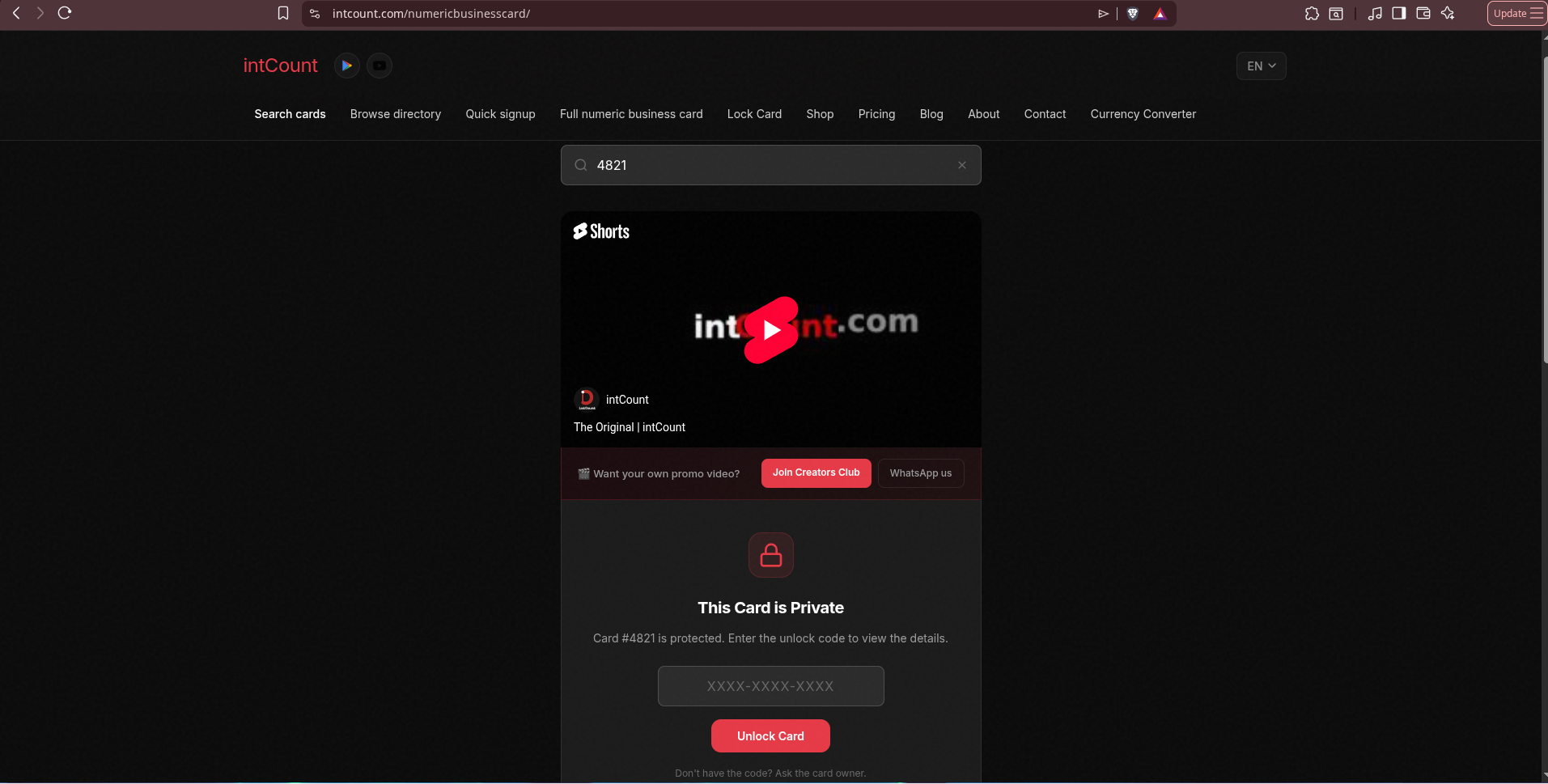
Search 4821 now. Instead of Maison Élara's card, visitors see a lock screen: "This Card is Private — Card #4821 is protected. Enter the unlock code to view the details."
Step 6 — Unlocking It for Someone Trusted
The owner shares the unlock code with a specific buyer, journalist, or partner. That person pastes it into the unlock field:
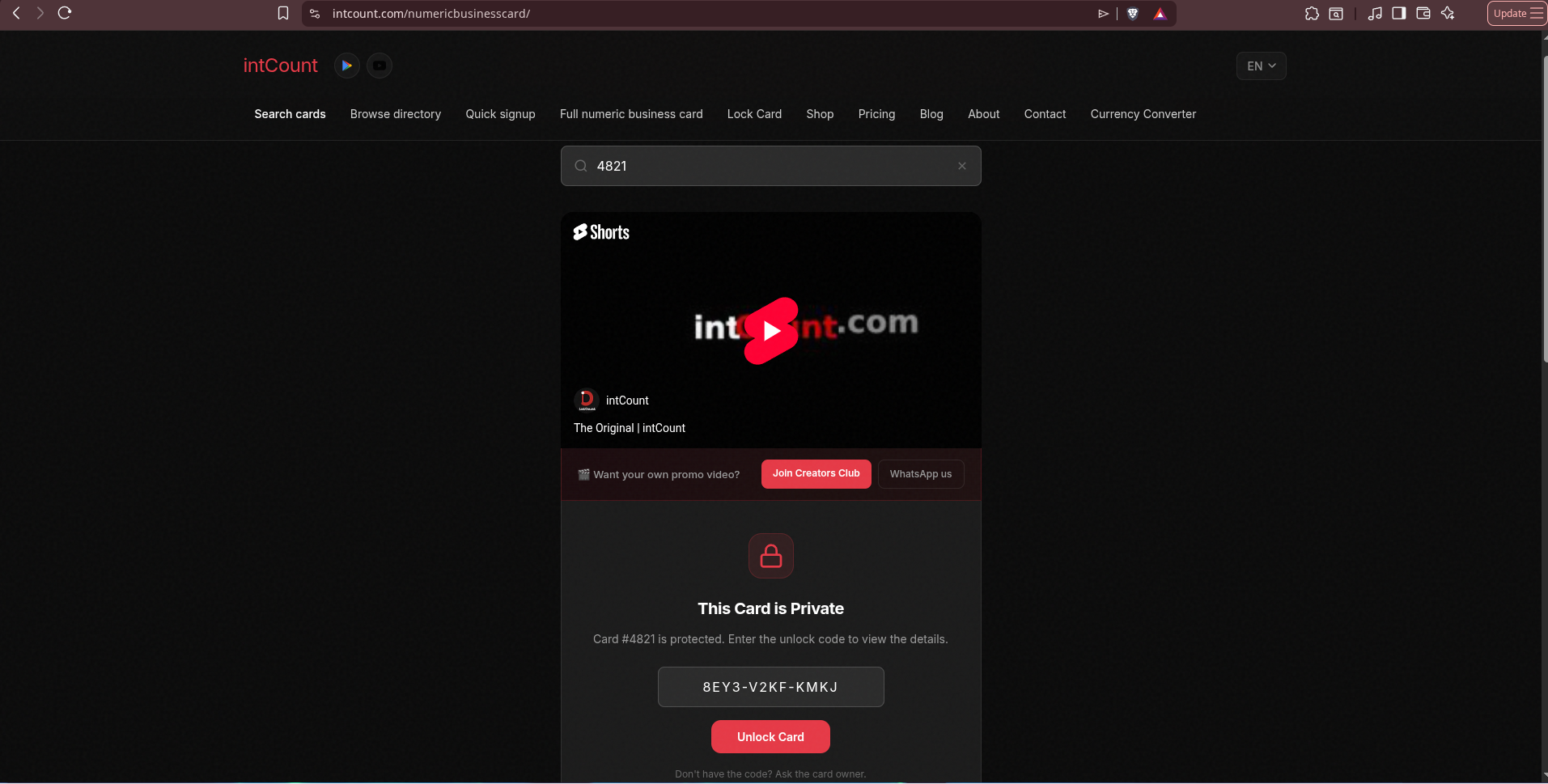
The full card appears — for them, and only for them:
That's the full range of the product: free and fully public (standard Numeric Business Card) up to fully private and owner-controlled (Lock Card) — same one-number system underneath both.
The Full Range, One System
| Numeric Business Card | Lock Card | |
|---|---|---|
| Cost | Free | Premium |
| Visibility | Public — found by anyone | Private — sealed until you share the unlock code |
| Encryption | Standard | AES-256, in-browser, zero-knowledge |
| Best for | Any business that wants to be found | High-profile people who need control |
| Recovery if you lose access | Standard email-code recovery | None — permanent data loss by design |
| Underlying | Same one-number identity | Same one-number identity |
Frequently Asked Questions
What is a numeric business card? It's a single memorable number that stores all your business contact information — name, description, phone, website, and social links — in one place. You share the number; anyone can look it up to reach you.
Is intCount free? Yes. The standard Numeric Business Card is completely free to create. Lock Card, the encrypted version, is a premium option.
How long does it take to create a card? About 30 seconds. You paste a plain description of your business and AI structures the fields for you.
How do people find my card? They search your number, business name, phone, or email at intcount.com/numericbusinesscard — whichever detail they happen to remember.
What's the difference between a Numeric Business Card and a Lock Card? The Numeric Business Card is public — anyone can find it. Lock Card wraps your card in AES-256 encryption performed entirely in your browser, so intCount never sees your data. Your card becomes invisible until you share an unlock code with someone.
Can intCount recover my locked card if I lose the unlock code? No. That's the point of zero-knowledge encryption — intCount never stores your keys, so there is nothing on their side to recover from. This is a deliberate design choice for privacy, and the reason to store your unlock code somewhere safe.
Do I need to install an app? No. Cards open in any web browser, on any device.
Can I choose my own number? Yes. During signup you can pick any available number instead of accepting a random one.
Is my data encrypted end-to-end? For Lock Card, yes — AES-256 encryption is performed 100% in your browser, before anything is transmitted or stored. Even intCount admins cannot decrypt it.
Get Your Number
Whether you want the whole world to find you, or nobody until you decide — it starts the same way.
Create your free numeric business card: intcount.com/signup
One number. Every way to reach you — on your terms.